For Reels · Shorts · TikTok creators
Add AI-PoweredCaptions to Your Reels
Turn speech into styled, word-timed captions in minutes. Preview animated highlights on your video, then export a post-ready file from your browser.
- YouTube
- TikTok
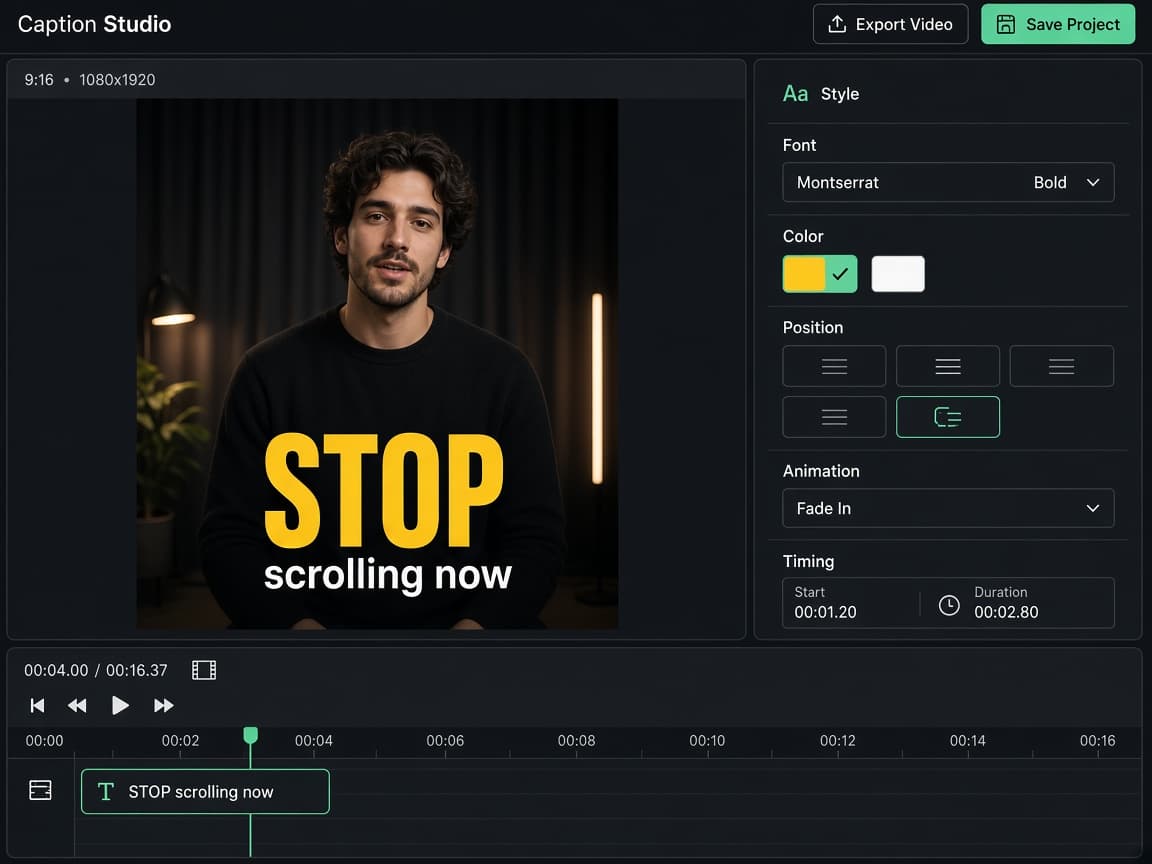
- Word-level AI timing
- Animated & basic templates
- Hinglish & 90+ languages
- MP4 export
Live caption demo
See exactly what viewers get on screen
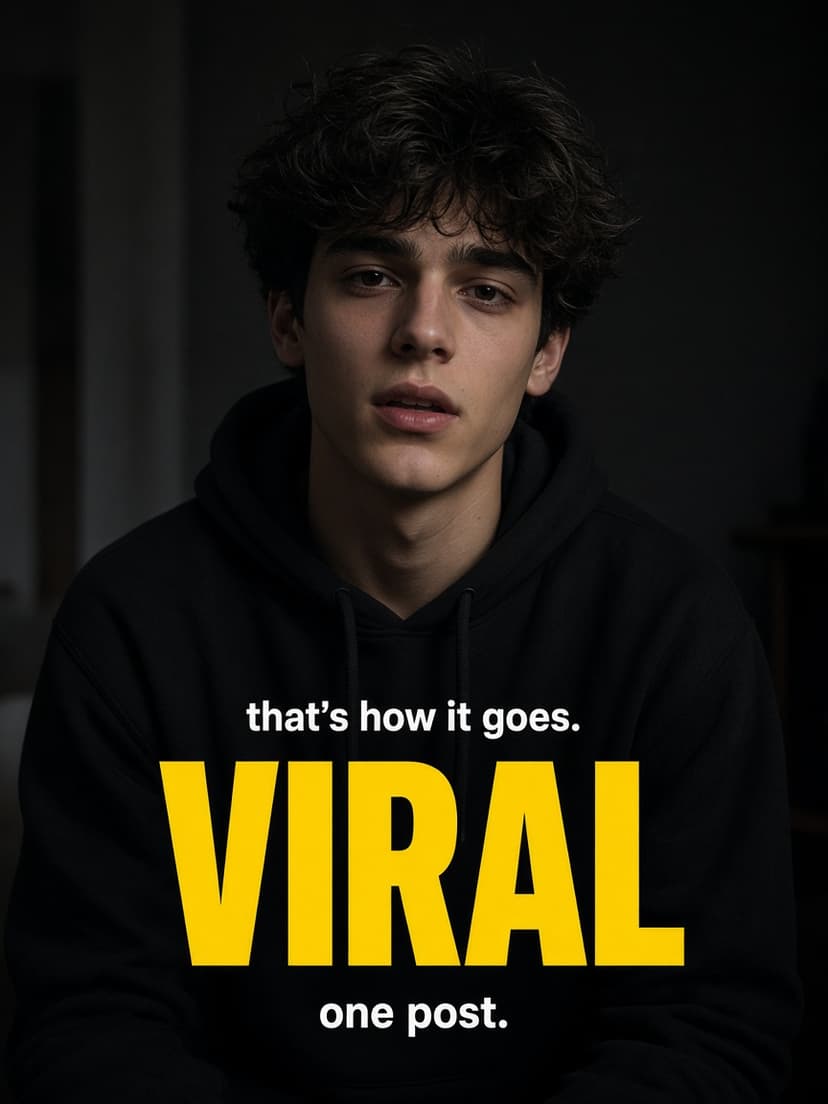
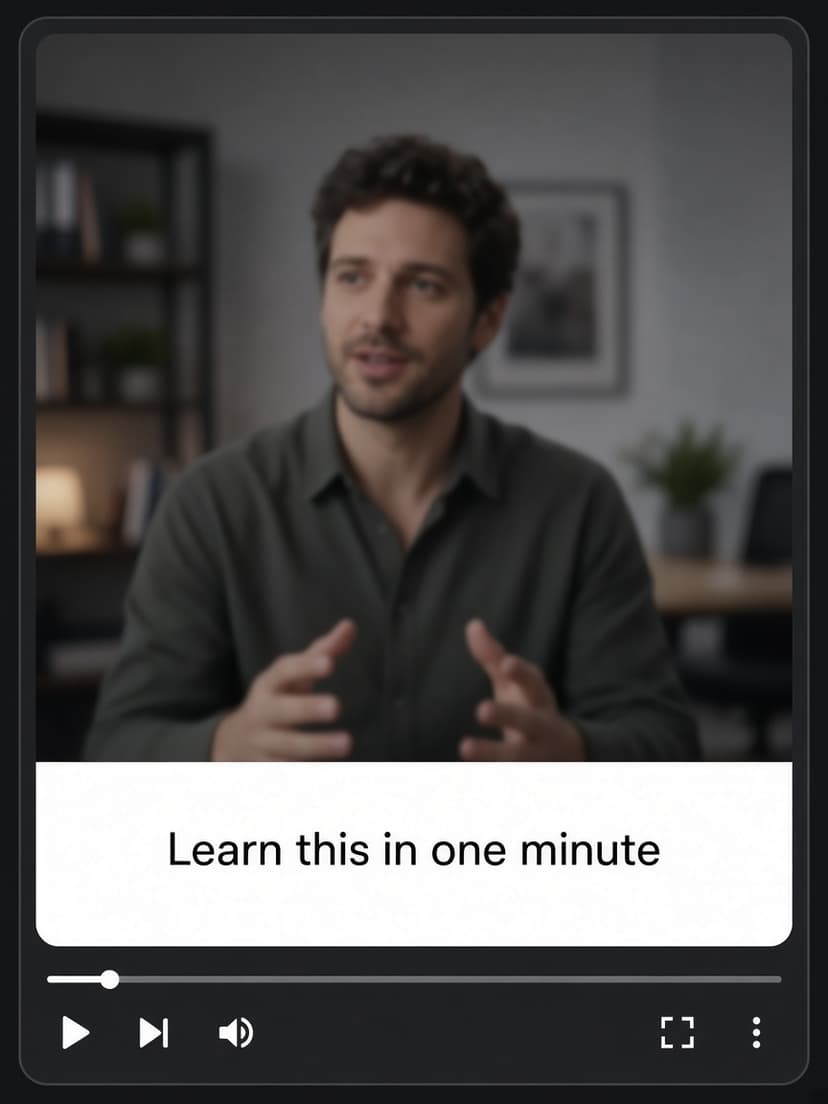
AI listens to your voice and places each word on the timeline. Pick a look—pop highlights for Reels, clean bars for tutorials, or Hinglish for mixed-language clips—then export a video with captions already on the picture.
- Animated — the spoken word lights up so silent scrollers stay hooked.
- Basic — readable lines for explainers and long-form Shorts.
- Hinglish & 90+ languages — same timing, wording your audience understands.
StopscrollingpastyourReels
Word-timed · burned into your export
How to use
Three steps from raw clip to posted Reel
Upload once, let AI write the first draft, export a captioned video. No timeline skills required.
 1
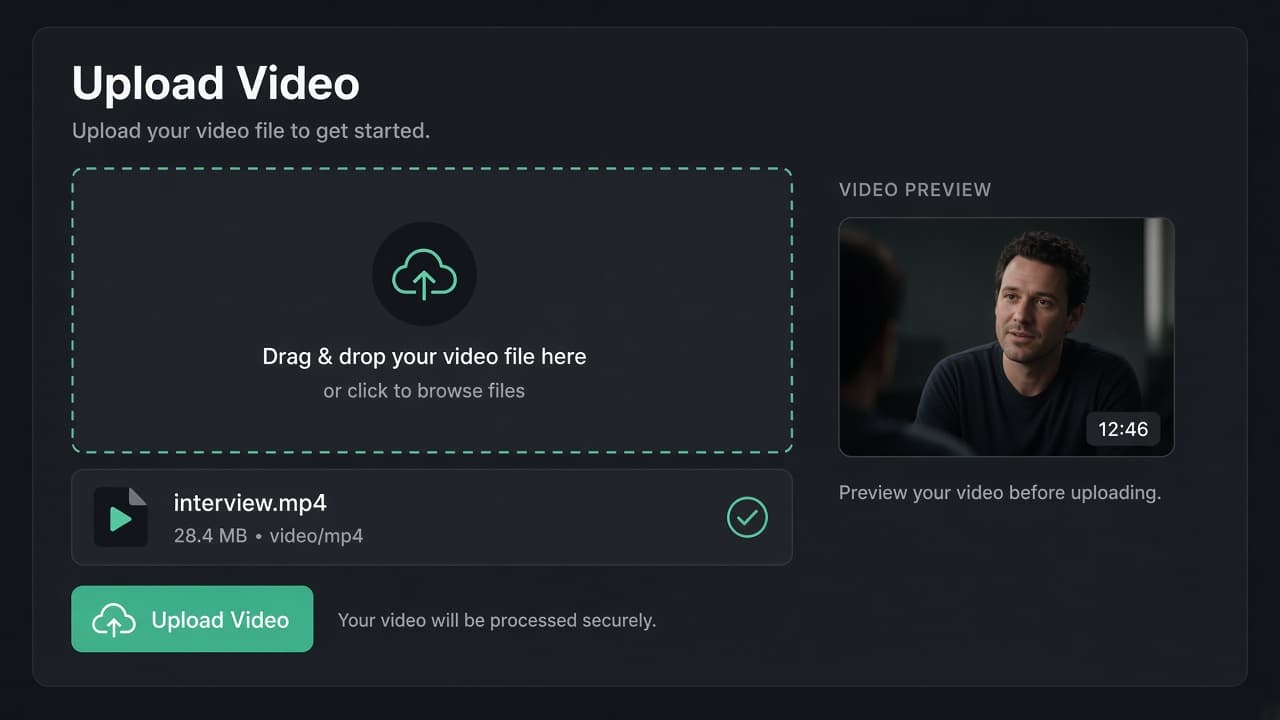
1Upload your clip
Drop a vertical Reel, Short, or TikTok. MP4, MOV, or WEBM—up to 2 GB from your browser.
 2
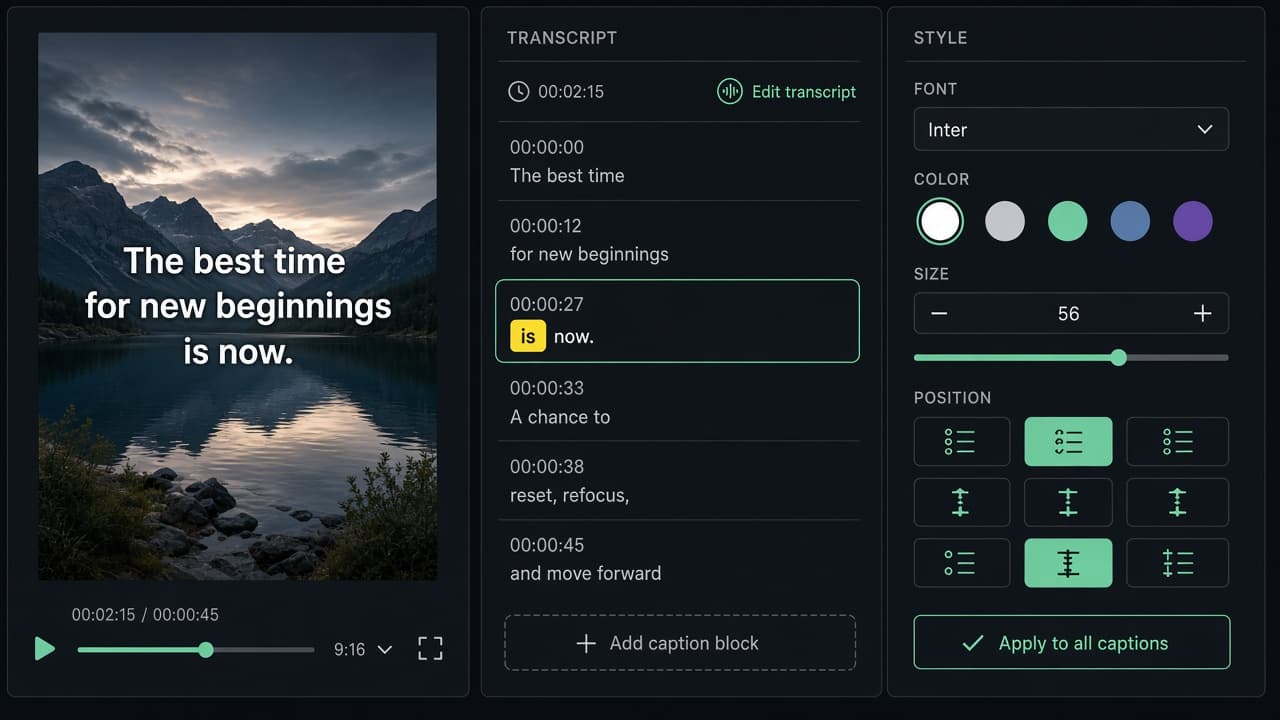
2Review AI captions
Speech becomes word-timed lines. Tap any word to fix it, pick Animated or Basic, and preview on your video.
 3
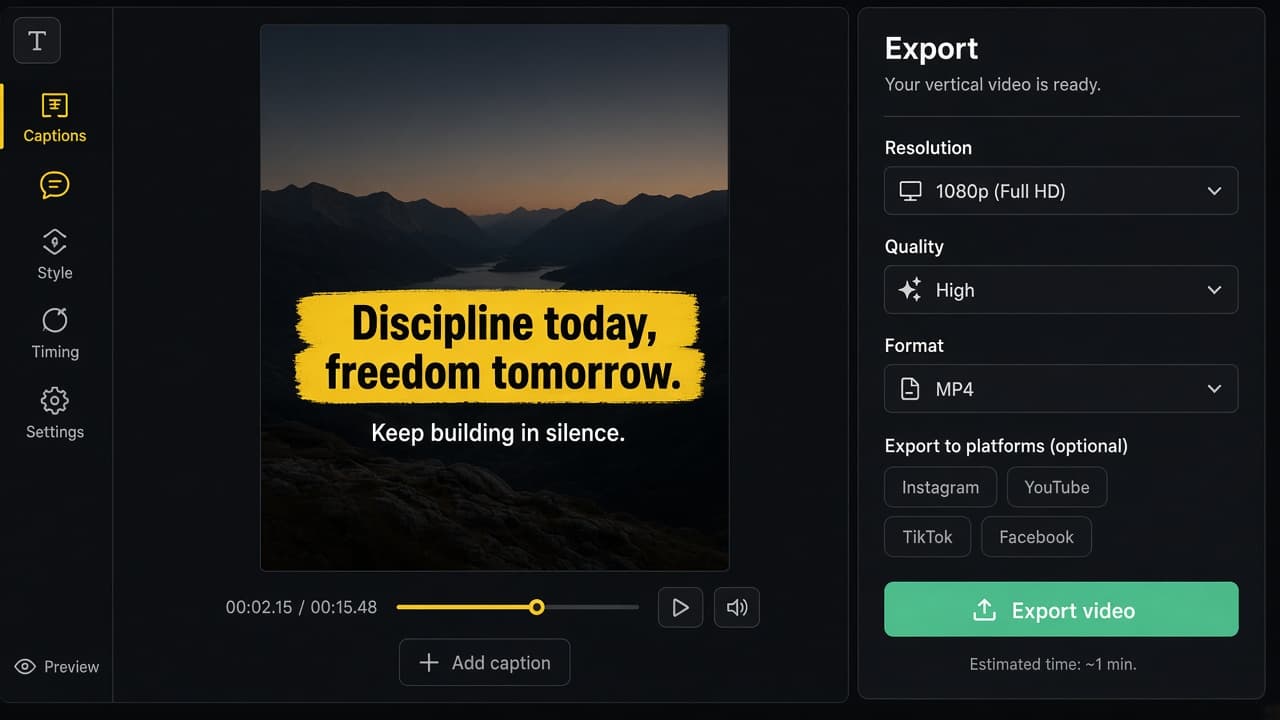
3Export & post
Download an MP4 with captions on the picture. Post to Instagram, YouTube, TikTok, or Facebook—no extra app.
Why us
Built for creators who post every day
Less time typing captions. More time filming, hooking viewers, and growing on short-form platforms.
Made for silent scrollers
Most feed views start muted. On-screen captions keep people reading through your hook instead of swiping away.
AI draft, you polish
Word-level timing from your audio means you edit text—not waveforms. Fix a name in seconds, not a whole timeline.
Reels-ready styles
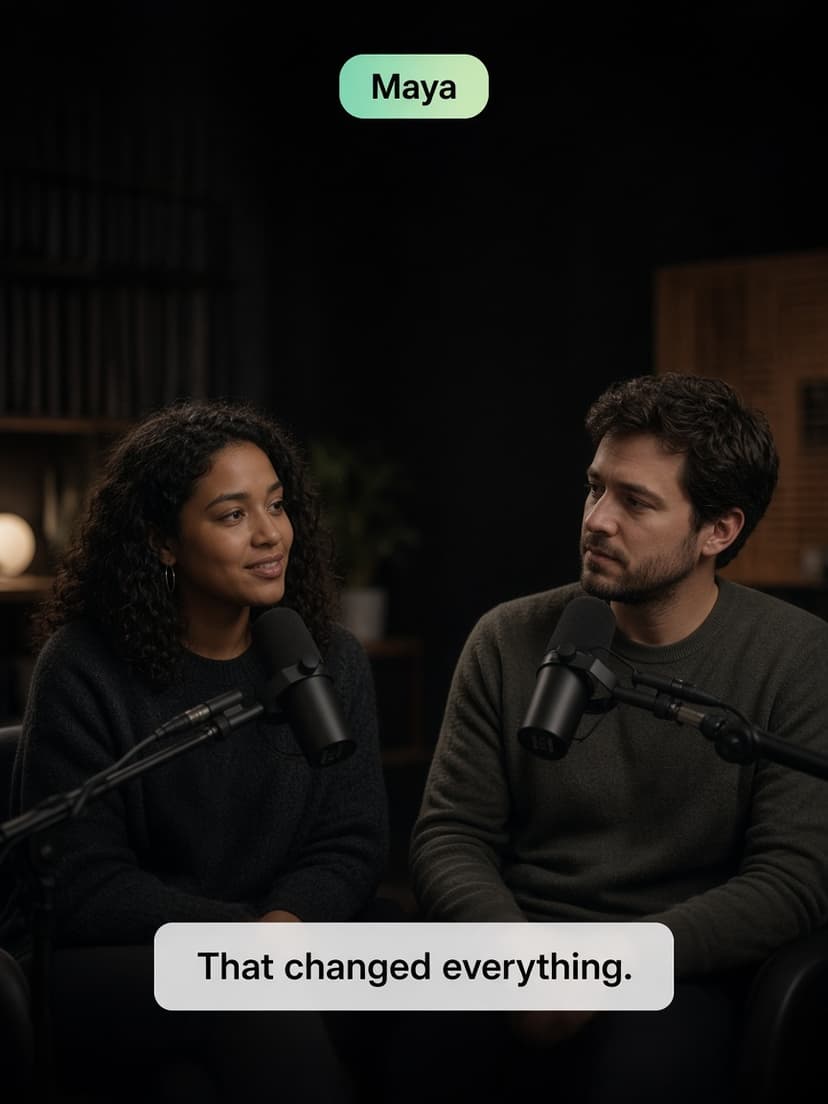
Animated highlights, clean basic bars, and speaker labels so every clip looks intentional, not pasted on.
90+ languages
Hindi, Hinglish, Arabic, Spanish, and more—same timing, new wording for the audience you are growing.
Nothing to install
Upload, caption, and export in Chrome or Safari. Your project stays in the cloud until you download.
Finished video, not SRT
You get a file ready to post. Captions are burned in—no syncing subtitle tracks in another editor.
What our users say
Creators and teams ship captions faster
Real workflows from people posting Reels and client cuts every week.
“I batch a week of Reels in one sitting now. AI gets the timing right—I just fix names and pick the yellow pop style.”
Priya K.
Fitness creator · 48k followers
“Our agency ships captioned ad cuts the same day. Clients post the MP4 straight to Meta—no SRT handoffs.”
Marcus L.
Social lead · performance agency
“Hinglish captions used to take me hours. Upload, review, export. That's it.”
Arjun S.
Finance Reels · Mumbai
FAQ
Quick answers before you upload your first clip.
What is Caption Studio?
Caption Studio is a browser-based AI caption editor. It turns speech in your video into timed captions you can edit, style, translate, and export as a finished video with captions on the picture—built for Reels, Shorts, TikTok, and client deliverables.
How do I add AI captions to Instagram Reels?
Upload your Reel to Caption Studio, let AI generate timed captions, choose an animated or basic look, adjust any words, then export a vertical video with captions burned in. Post the exported file directly to Instagram.
Can I automatically generate captions with AI?
Yes. Upload a video and Caption Studio uses AI speech recognition to create word-level timed captions you can edit before export.
Is Caption Studio good for social media agencies?
Yes. Agencies use Caption Studio to deliver on-brand captioned clips for clients: consistent templates, quick text fixes, multilingual captions, and browser-based export without a heavy desktop NLE.
Can I edit the AI-generated captions?
Yes. Change any word, rewrite a line, or move when a caption starts and ends. You do not have to re-run transcription for small fixes.
Can I use caption templates for short-form video?
Yes. Use Basic for clean reads, Animated for karaoke-style word highlights on Reels and Shorts, or Speaker to label who is talking on podcasts and interviews.
How accurate are AI captions?
On clear audio, the first AI draft is usually close. Always review captions in the editor and fix names, jargon, or accents so the on-screen text matches what was said.
Can I create captions in different languages?
Yes. Translate captions into 90+ languages, including Hindi, Hinglish, Arabic, Japanese, Chinese, Korean, and Spanish, while keeping your timing.
Your next Reel deserves captions that pop
Free to start. Upload a video and see AI captions on your footage in minutes.